What is the difference between 3pRally and 3pMaster?
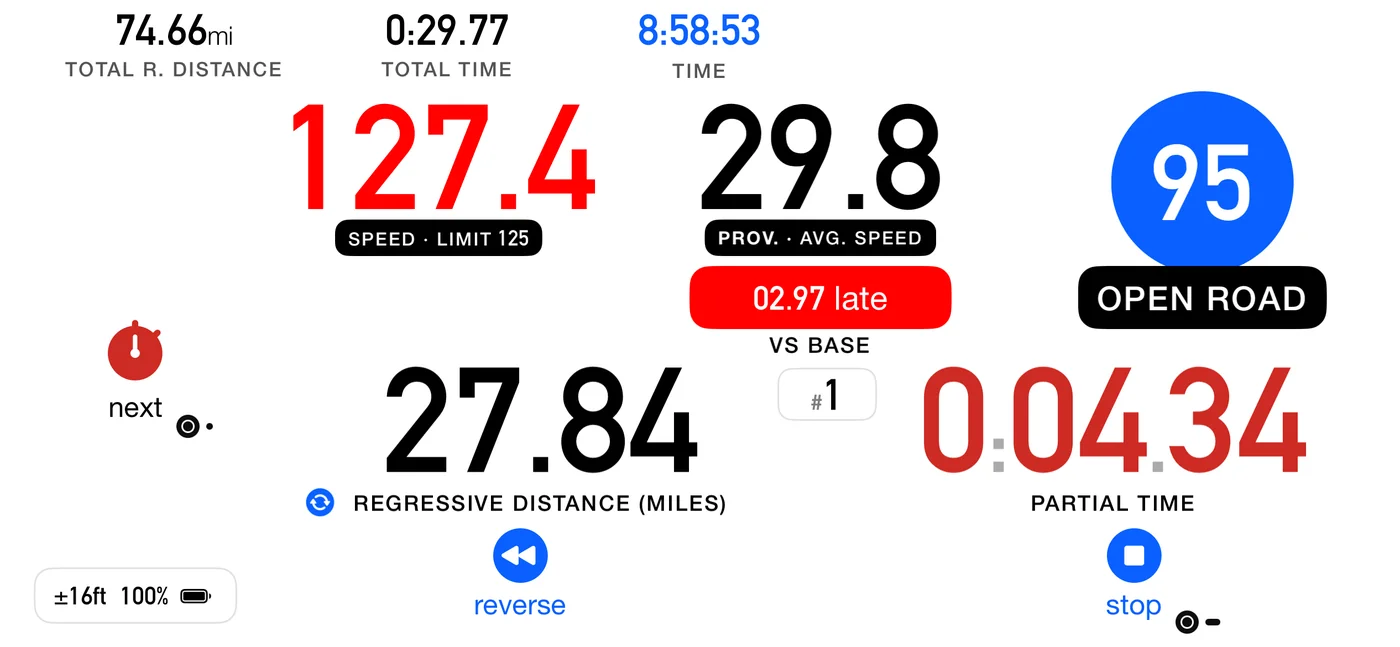
3pMaster measures and navigates: a precise trip meter, an inclinometer, maps and track
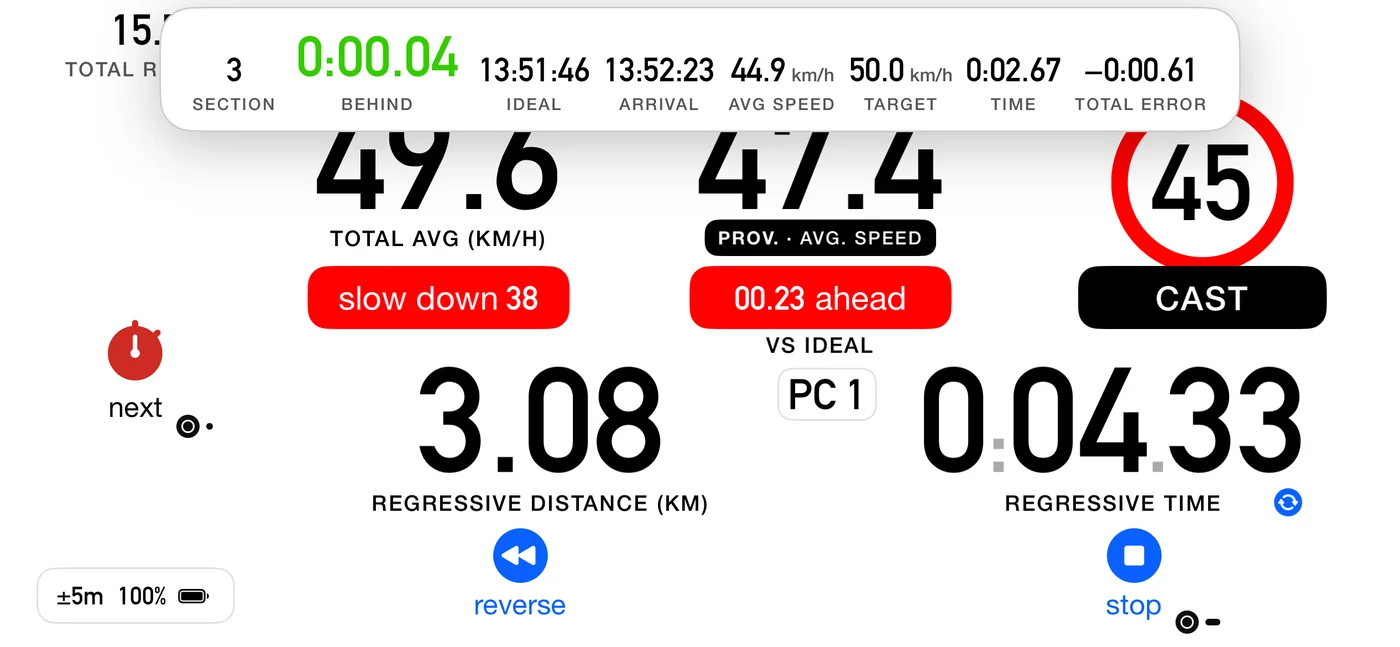
sharing, for off-road and overlanding. 3pRally competes on time: it holds a target
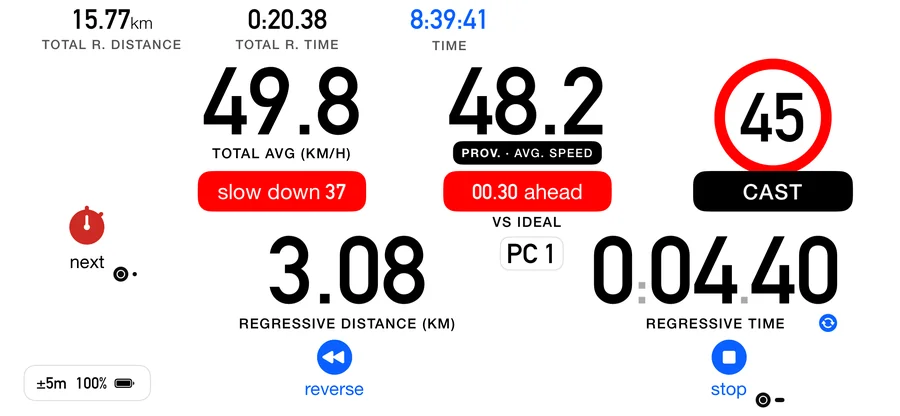
average with CAST, follows a roadbook section by section, and runs open-road timed
sections. Plenty
of drivers use both. See 3pMaster.
Does it work for my kind of regularity?
Yes, for all of them, because they are one model underneath. US and SCCA
TSD road rallies, European and historic regolarità,
Latin-American regularidad, and UK and Commonwealth road rallies are all
the same thing: hold a prescribed average over a measured distance. Where the
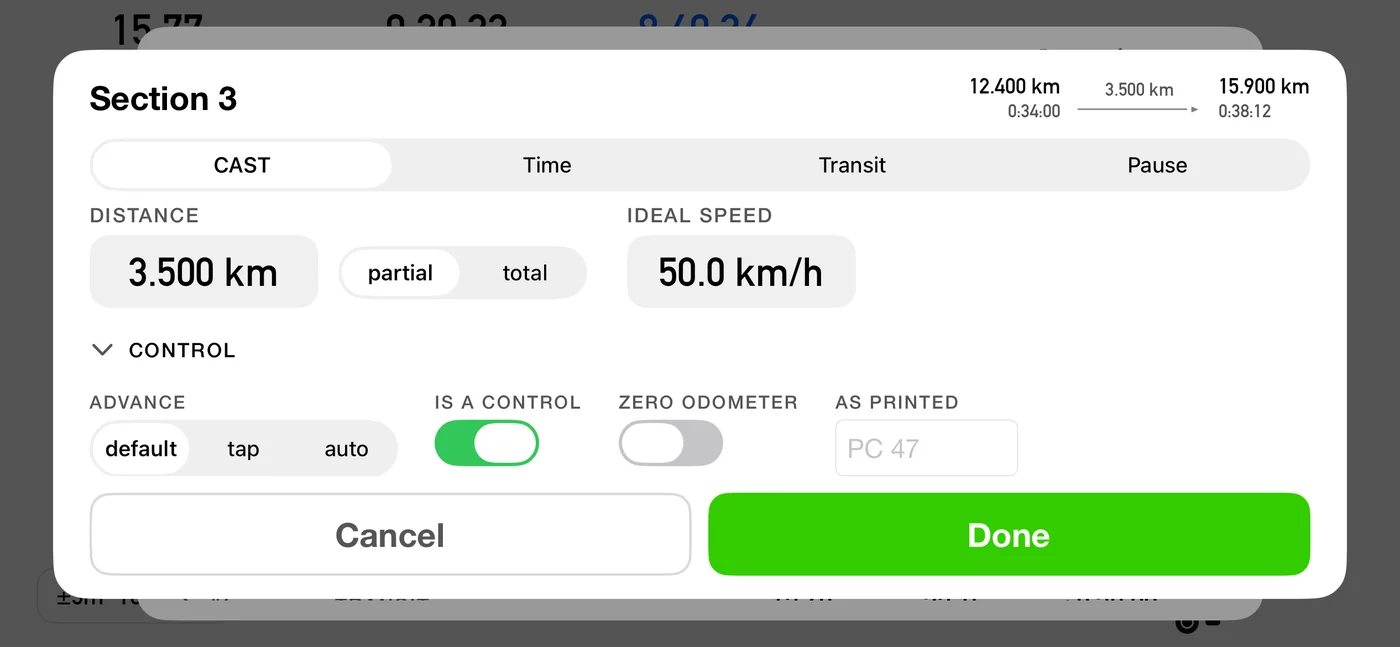
average changes mid-section, write a row for each change and 3pRally paces you
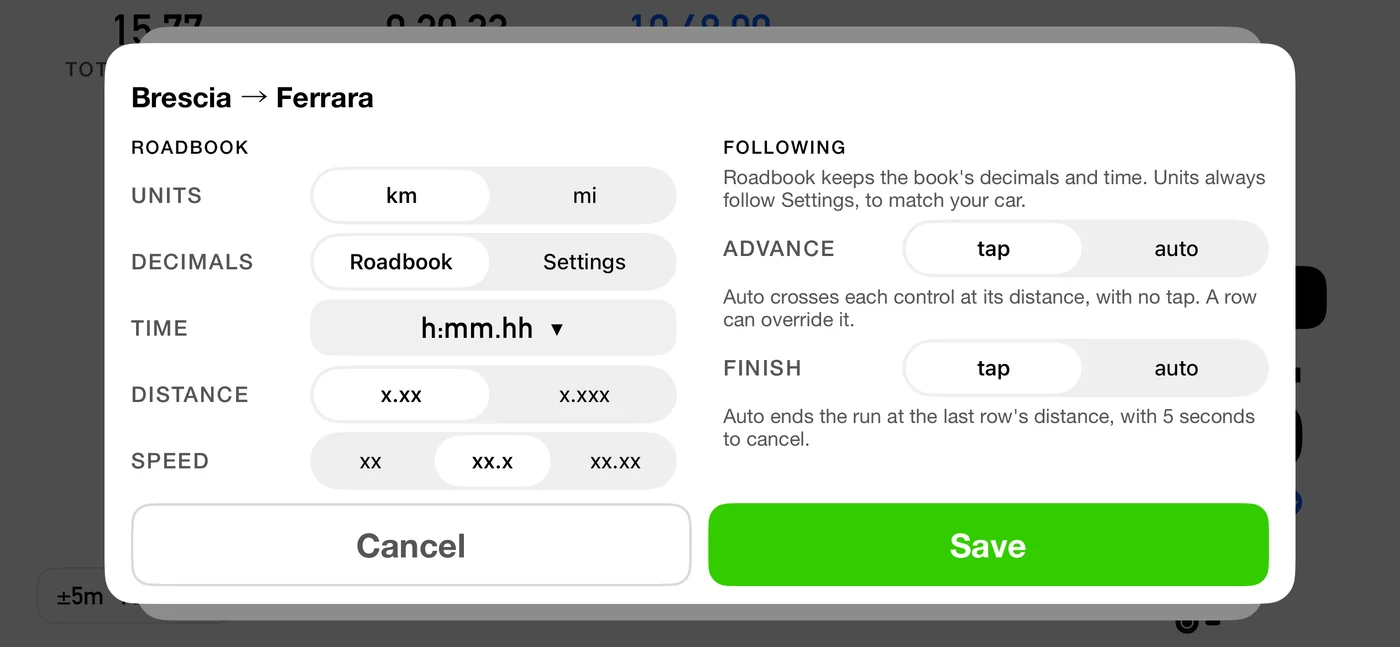
through the lot. Where the event is scored finely, set the time notation to
decimal minutes and read hundredths or thousandths, which is how those roadbooks
are printed in the first place. If yours is scored some other way, or wants
something 3pRally does not do yet,
tell us what it
needs. Small developer, real inbox.
Do I need an external GPS?
No. 3pRally uses the GPS in your iPhone or iPad, and for most events that is enough. If
you want better accuracy under trees or in a metal-roofed car, it works with the
Bluetooth receivers that pair natively with iOS. We test with the Garmin GLO 2 and the Dual XGPS150A. There is a diagnostics screen that shows exactly what fix you have, and whether it comes from the internal receiver or an external one.
Can I drive without touching the screen?
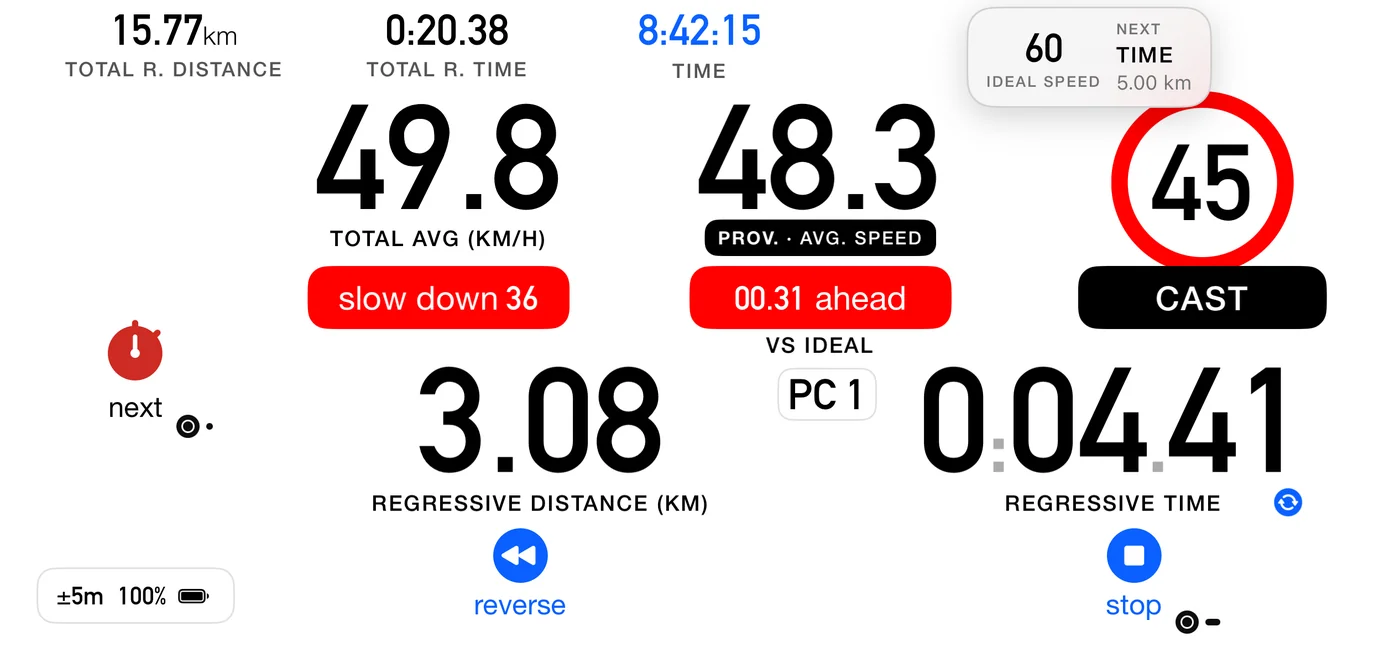
Yes. 3pRally speaks your speed, average, partial distance and time, and pace tips,
announces the section coming up, and tells you when the GPS signal is lost and when it
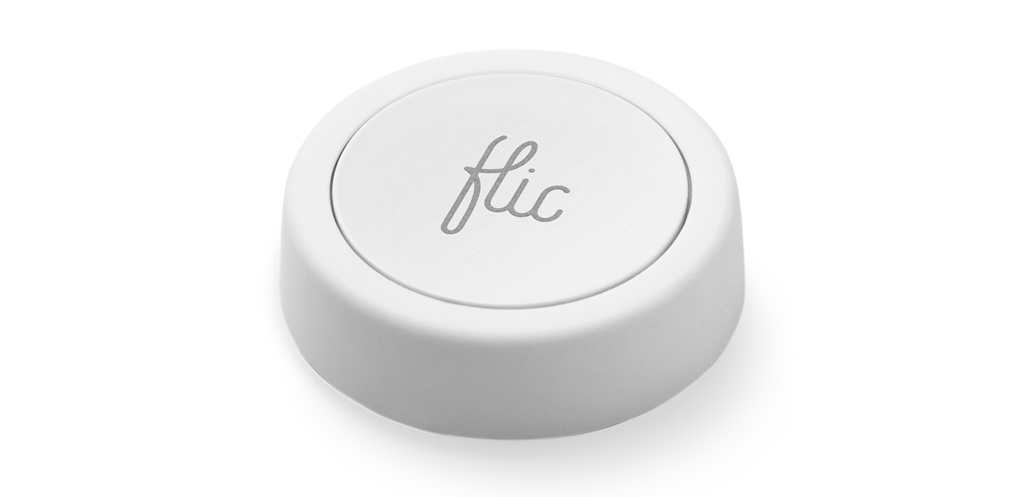
is back. Pair a
Flic
Bluetooth button, or a Bluetooth media button clipped to the wheel, and you can start,
stop and advance a section with your hands on the wheel.
Do I have to build a roadbook?
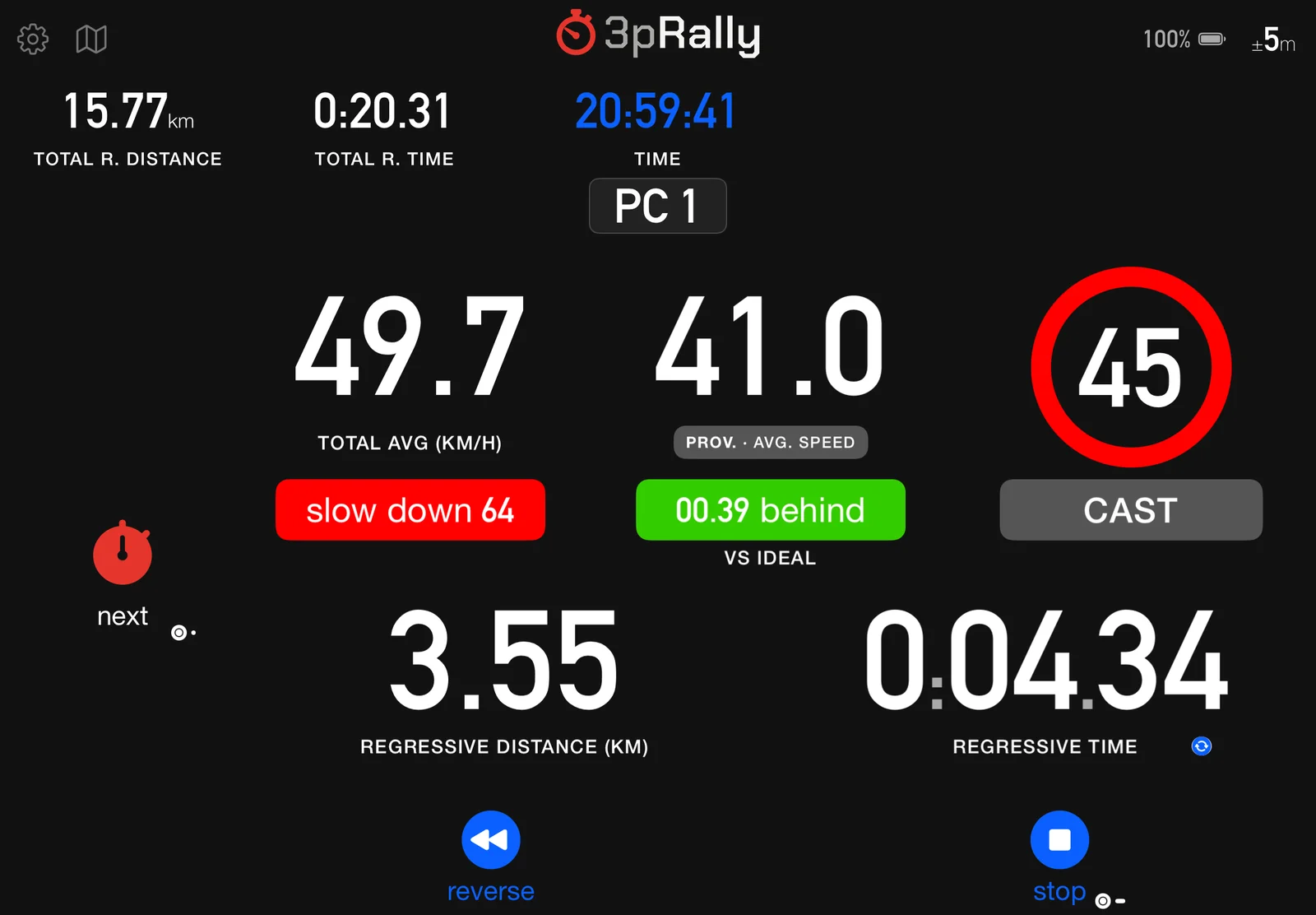
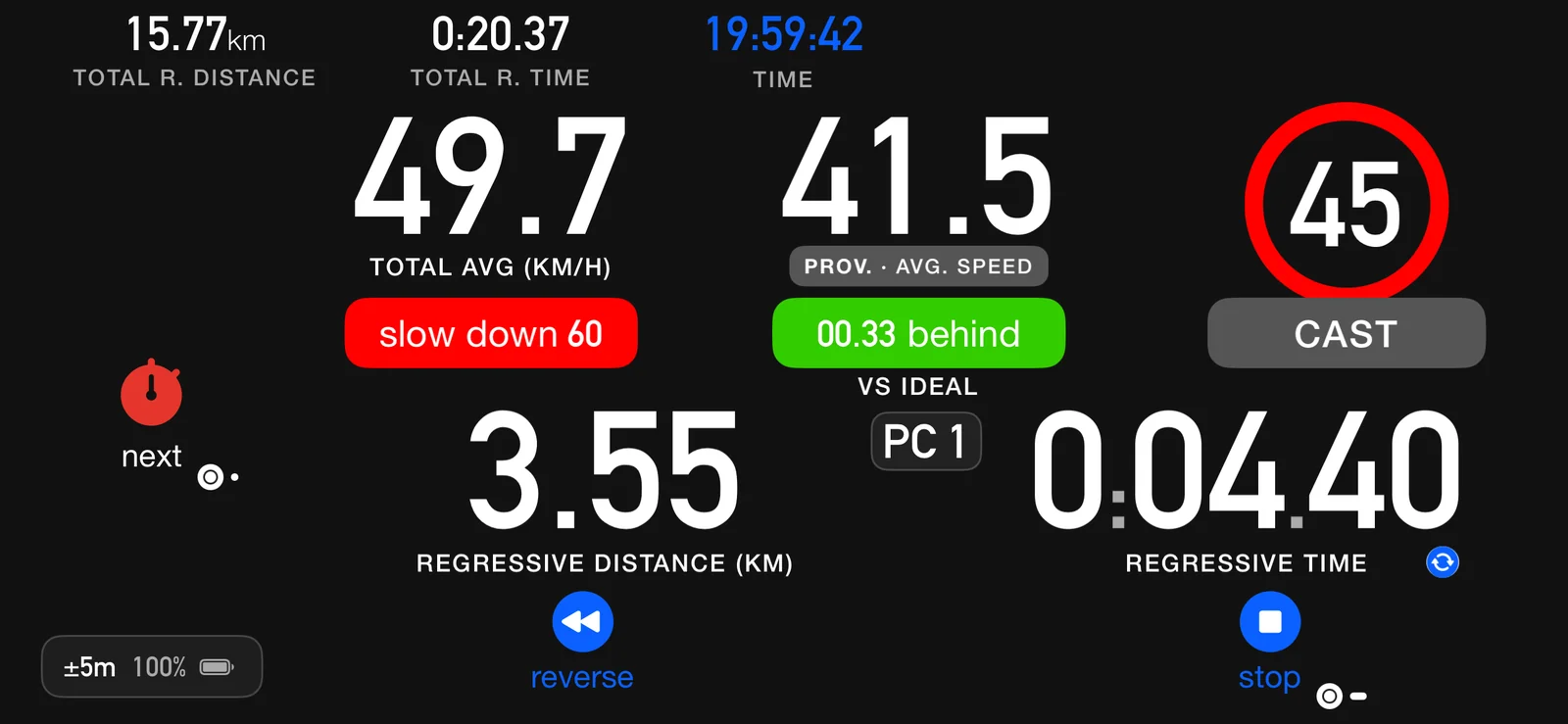
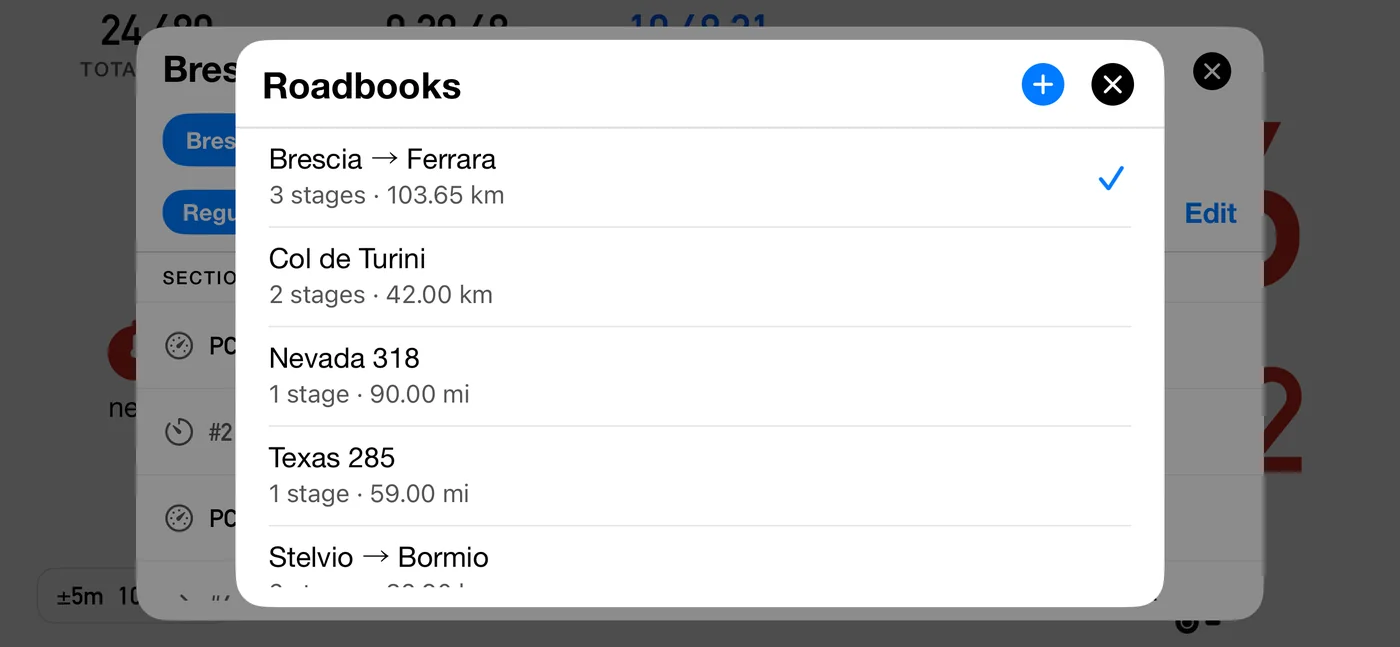
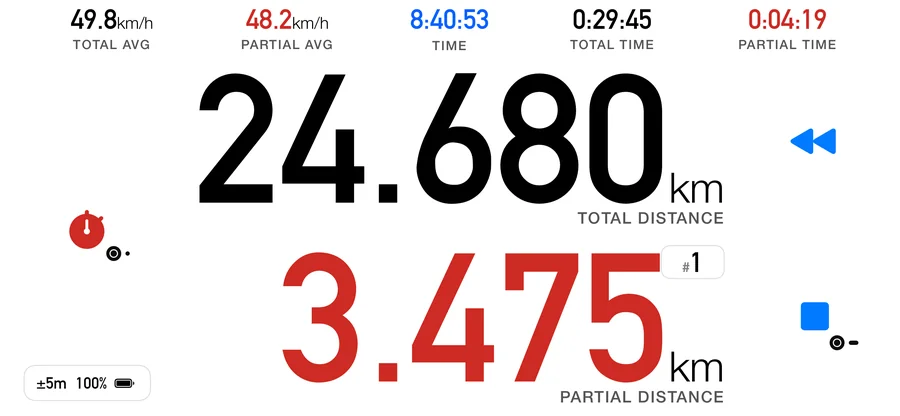
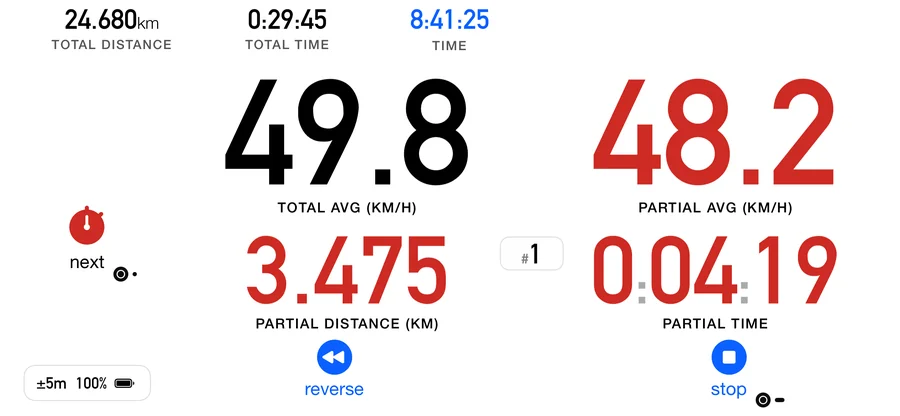
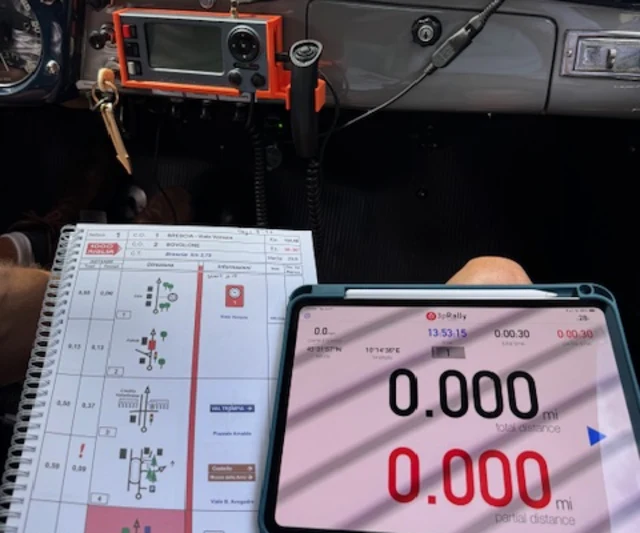
No. Three of the four dashboards never ask for one. Most crews run Advanced,
which is the default: tap go, tap next at each control, and you get
total and partial distance, time and averages with nothing typed in beforehand.
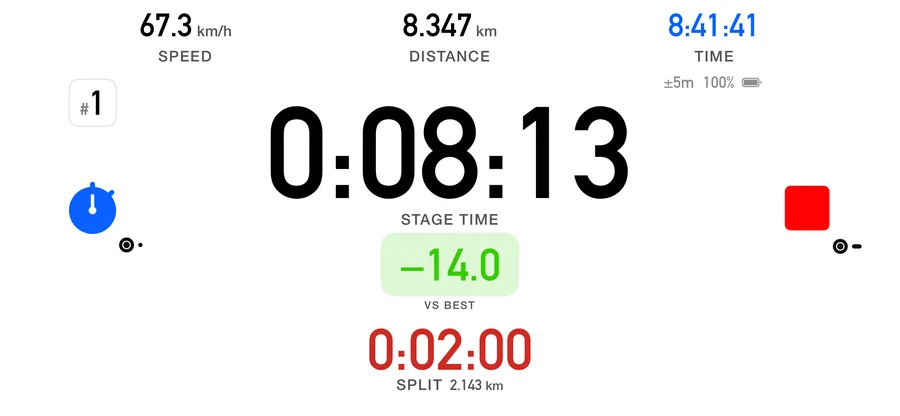
Classic does the same with bigger numbers, and Stage times a run you start and stop
yourself.
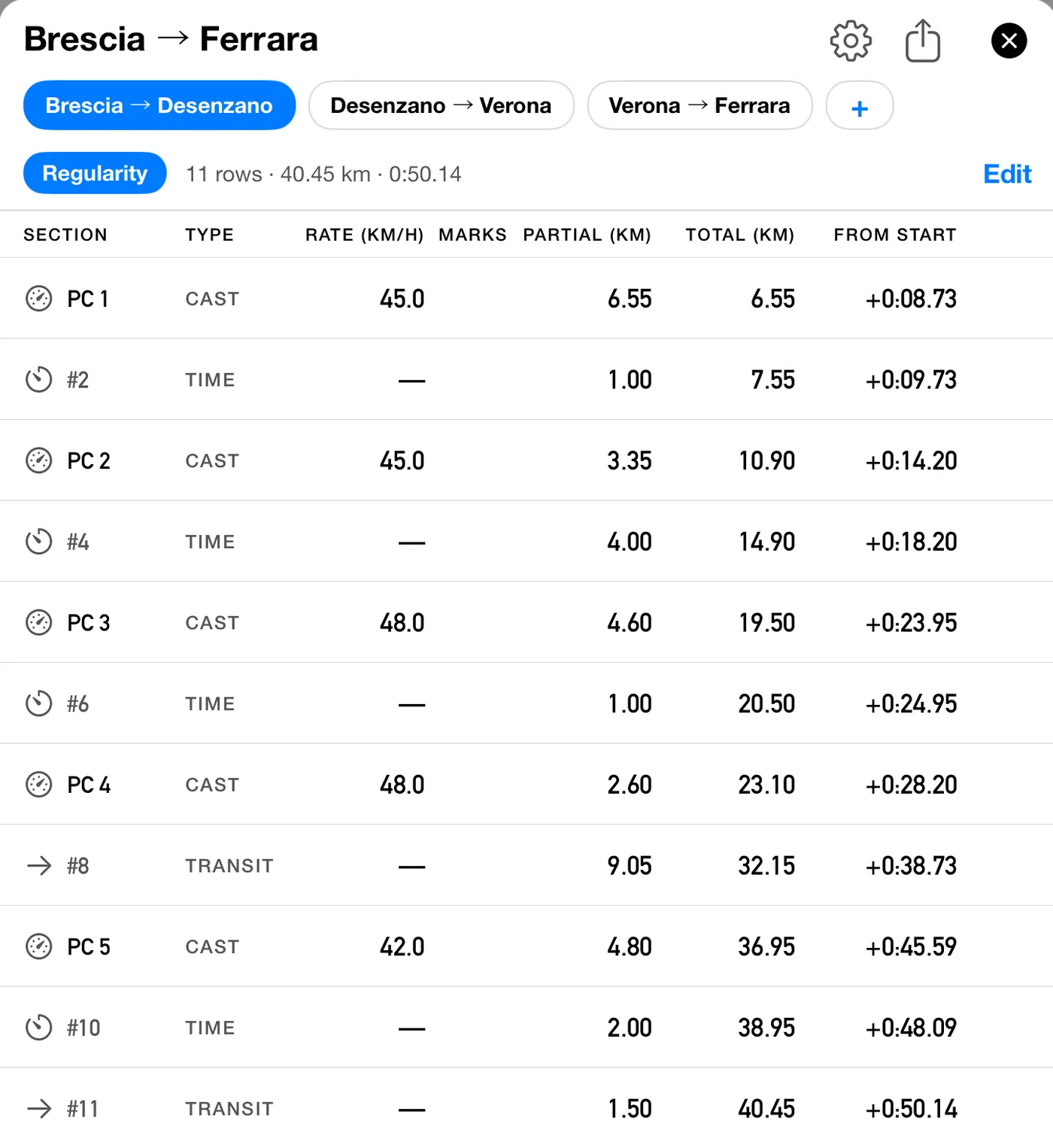
That matters when the paperwork lands the night before, or at the start line. A
roadbook is worth transcribing when you have the evening and the event is scored on
holding an average. It is what unlocks the ideal speed, the time error and the pace
tip. When you do not have the time, you are not locked out of anything else.
Does my GPS distance error move my averages?
Not any more. New in 5.0, a completed section is recorded at the distance your roadbook
gives rather than the one the app measured. Your roadbook’s distances are treated as
the true ones, so the app’s own distance error does not move your averages. If the two
visibly disagree while you drive, 3pRally says so on the result card and offers
“use measured distance” instead. It is a setting, so you can turn it off when the
route you drove genuinely differs from the one that was surveyed. To be clear about what
it does and does not touch: it changes the distance a section is recorded at, and
therefore its average speed. It does not change your time.
Is my odometer accurate enough for regularity?
Calibrate it. Run the event's calibration section, tell 3pRally the true distance, and it
derives a percentage correction and applies it, visibly, so you always know what
correction is in force. You can also adjust the counters mid-stage, once-off or
permanently.
New in 5.0, it can also learn the correction from the event itself. Turn on
learn calibration from controls and the app compares your roadbook's distances
with the ones it measures across the controls you mark, and corrects itself. It needs a
few kilometres of marked controls before it says anything, and it gets more accurate the
further you drive. Until then your own calibration is used, and the correction in force
is always shown on the dashboard.
What happens if I take a wrong turn?
Hit reverse and drive back. The distance unwinds as you go, so when you rejoin the route
your odometer is where it should be. If you cut a section short, 3pRally records that it was
cut short rather than pretending the numbers are clean.
Can I share a roadbook with my team?
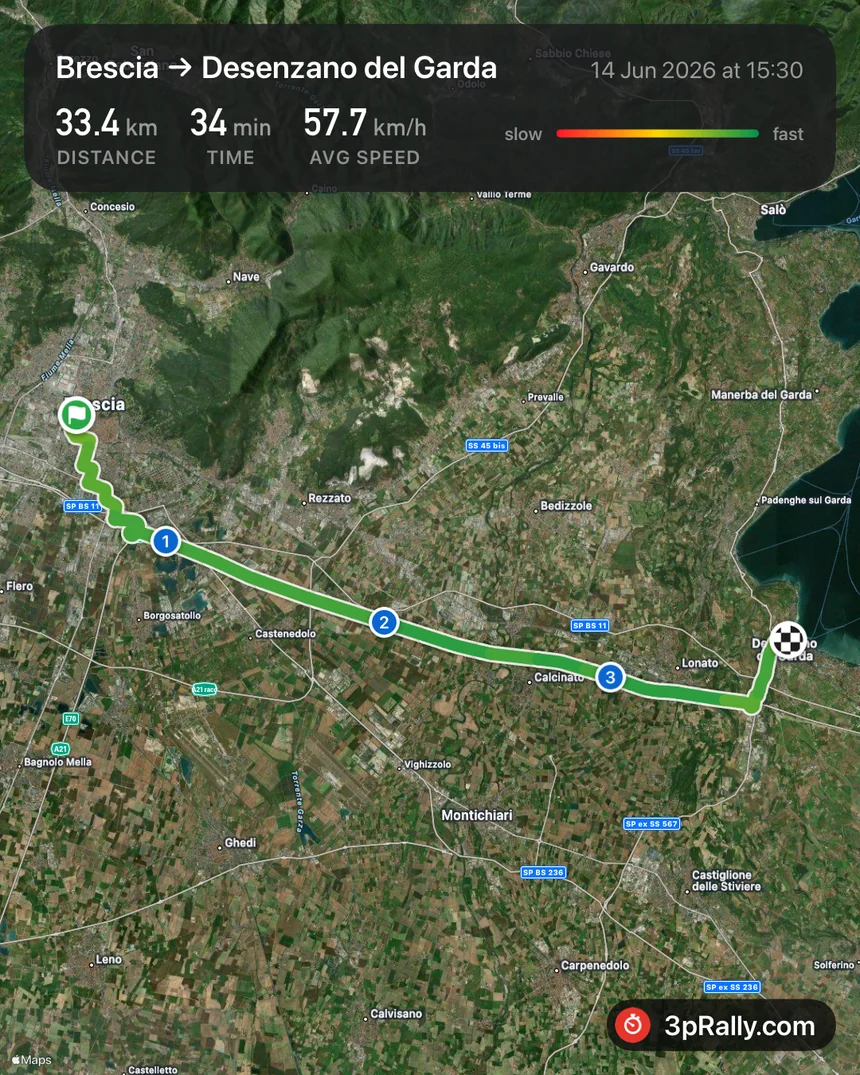
Yes. Export it as a 3pRally roadbook file and send it however you like. It opens straight into the app. Your own roadbooks and tracks sync across your devices with
iCloud.
What do I get out at the end?
A result card for every section as you drive, a run summary when you stop, and a comparison
of how you actually drove against the roadbook you wrote. Export the recap as CSV and the
track as GPX or KML.
What languages is 3pRally in?
English, Italian, German, Spanish, French and Dutch. And because every series names things differently, you can pick whether the app calls them sections, legs or stages. It will use your event’s wording, not ours.
I bought 3pRally years ago. Do I have to pay again?
No. If you bought the app before it moved to a subscription, your purchase still stands. Open the app and use Restore Purchases. If you need a hand,
get in touch.